Gartner says 40%+ of agentic AI projects will be canceled by 2027. The gap is not tools — it’s the method to scope one job, guardrail it, and put it live safely. Here’s that method.
There’s a gap in the AI agent conversation that nobody talks about honestly: most businesses that try to build AI agents don’t ship them.
The data from Gartner is stark: they project that more than 40% of agentic AI projects will be canceled before the end of 2027. An MIT study found that only about 5% of enterprise AI pilots ever reach production. And those are large organizations with technical teams. For a solo operator or small business, the odds are worse — unless you have a method, not just a tool.
The AI agent tool ecosystem is better than it has ever been. You can build working automation agents without writing code using platforms like Zapier, Make, n8n, or Lindy. The models (ChatGPT, Claude, Gemini) that power them are remarkably capable. The gap is not the tools. The gap is everything the tools don’t tell you: how to scope the job so it’s actually achievable, how to wrap the agent in guardrails so it doesn’t embarrass you, and how to test it before it faces a real customer.
This piece walks through that method.
First: understand what an AI agent actually is
An AI agent is a system that uses an AI model to make decisions and take actions — not just respond to a prompt. A standard chatbot answers a question. An AI agent can answer a question, then look up data in your CRM, send a follow-up email, update a spreadsheet, and flag an edge case for human review — in one automated flow.
The power is real. So is the risk. An agent that takes actions can cause real-world harm if it makes the wrong decision. It can run up API bills if it hits an infinite loop. It can fail silently — appearing to work while producing wrong output — and you won’t know until a customer tells you or a row in your database is corrupt.
These are not hypothetical risks. They are the common failure modes that kill agent projects. The businesses that ship agents that last are the ones that planned for these failure modes upfront.
The scoping mistake that kills most agent projects
The most common reason AI agents don’t ship: the scope was too large.
When people decide to build an AI agent, they often envision a fully autonomous system that handles an entire workflow — an agent that manages all customer support, or an agent that runs their entire lead pipeline, or an agent that handles everything from inquiry to booking to follow-up. These are real long-term goals. They’re terrible first agents.
The correct first agent does one job. Not a workflow. Not a department. One specific, bounded task with a clear input, a clear output, and clear criteria for when to stop and ask a human.
Good first agent scope: “When a new lead form is submitted, summarize the lead’s stated need, score it against our ideal customer profile on a scale of 1–5, and if it’s a 4 or 5, draft a personalized first reply for my review.”
Bad first agent scope: “Handle all our lead nurturing.”
The one-job constraint is not about being conservative. It’s about shipping. An agent that does one job well, reliably, without embarrassing you is infinitely more valuable than an ambitious agent that sits in a Notion doc as a future project.
The anatomy of a reliable agent
Once you have your one-job scope, a reliable no-code agent has four components:
Instructions: What the agent is and does — written clearly and specifically. Not “you are a helpful assistant.” More like: “You review incoming support tickets for [business name]. Your job is to classify each ticket into one of these five categories: [list], assign a priority score of 1–3, and draft a first reply using the templates below. If the ticket involves a billing dispute over $500 or a legal threat, do not draft a reply — flag it as ESCALATE and stop.”
Tools: What the agent can access and act on. Each tool represents a permission you are granting: read from this spreadsheet, send to this email address, update this CRM field. The principle of least privilege applies: give the agent only the tools it needs for the one job, nothing more. An agent that can only read your support inbox and write to a draft folder cannot accidentally delete data or send unauthorized emails.
Memory: What the agent knows and remembers across interactions. For simple first agents, memory is minimal or absent. As agents grow more sophisticated, memory (what it knows about a specific customer, what was decided last time) becomes important and more complex to manage safely.
Handoff: When the agent stops and passes to a human. This is non-negotiable for a first agent. Every agent needs explicit conditions under which it escalates rather than acts. Define these in the instructions and test them deliberately.
Guardrails: the step every template dump skips
The guardrail layer is what separates an agent that runs in production from one that creates problems in production. Most no-code tutorials skip this entirely because it isn’t part of the build — it’s a checklist you run before you launch.
The critical guardrail questions to answer before any agent goes live:
- What is the worst thing this agent could do? List it explicitly. Then verify that the instructions, tool permissions, and handoff rules make that scenario impossible or at least require human approval.
- What does the agent do when it’s uncertain? It must escalate. “I don’t know” is not a valid output if the agent takes action. Uncertain = stop and escalate to human.
- What does failure look like? Define what “wrong output” looks like so you can detect it in testing and in monitoring.
- What’s the cost cap? AI model calls cost money. Set a hard usage limit so a loop doesn’t run up a bill overnight.
- What data does the agent touch, and is that compliant with your obligations? If you’re in the EU or handling health data, this is not optional.
Red-team testing: find the failure before the customer does
Before any agent touches real data or real customers, red-team it. This means deliberately trying to break it.
A basic red-team test plan for a first agent:
- Feed it the most common input it will see — does it output correctly?
- Feed it edge cases — unusual formats, empty fields, ambiguous inputs
- Feed it adversarial input — what if someone submits a form that says “ignore your previous instructions”?
- Test every escalation condition — does it actually stop and escalate when it should?
- Run 20+ test cases before touching a real customer
Red-team testing feels like overhead until the first time it catches something your agent would have done to a real person. After that, it’s just part of the build.
Silent failure: the risk that keeps running after you launch
The most dangerous agent failure mode is not crashing — it’s silently producing wrong output. An agent that crashes is obvious. An agent that sends mildly wrong emails for three weeks, or categorizes leads incorrectly for a month, is insidious.
The fix is a monitoring plan. Before you launch, define: what sample of outputs will I review manually each week? What metrics will I track to detect drift? What would trigger me to pause the agent?
For a first agent, reviewing 10% of outputs manually each week for the first month is reasonable. As you build confidence, reduce the review rate. Never drop it to zero entirely.
The platform question: which no-code tool?
The short answer: it depends on what your agent needs to do and what other tools you already use. The major platforms (Zapier, Make, n8n, Lindy) all have legitimate use cases and different strengths.
Zapier: best for simple linear flows and extensive third-party integrations. Low technical barrier.
Make: more visual, better for branching logic and multi-step flows. More powerful than Zapier for complex routing.
n8n: open-source, self-hostable, good for technical users who want more control and don’t want per-operation pricing.
Lindy: purpose-built for AI agents with a more natural-language configuration experience. Less mature ecosystem but faster for agent-first use cases.
For most first agents, Zapier or Make will get you to a working agent fastest. Use a decision framework: which platform is already in your stack? Which integrates with the specific tools your agent needs to read from and write to? Start there.
The return on a working agent
A customer support triage agent that handles the first-pass classification of 50 tickets a day — even if it only handles 70% of them correctly and escalates 30% — frees up several hours a week. A lead qualification agent that scores and drafts a first response for every new inquiry means no lead goes cold while you’re in a client session.
The businesses that will have a significant operational advantage in 2027 are the ones that started building reliable, well-scoped, production-ready agents in 2025 and 2026. Not because they were early adopters — because they built systems that actually work and compound over time.
Scope it right. Guardrail it. Red-team it. Ship it. Then build the next one.
Want the complete build-and-ship method with 6 ready-to-adapt blueprints?
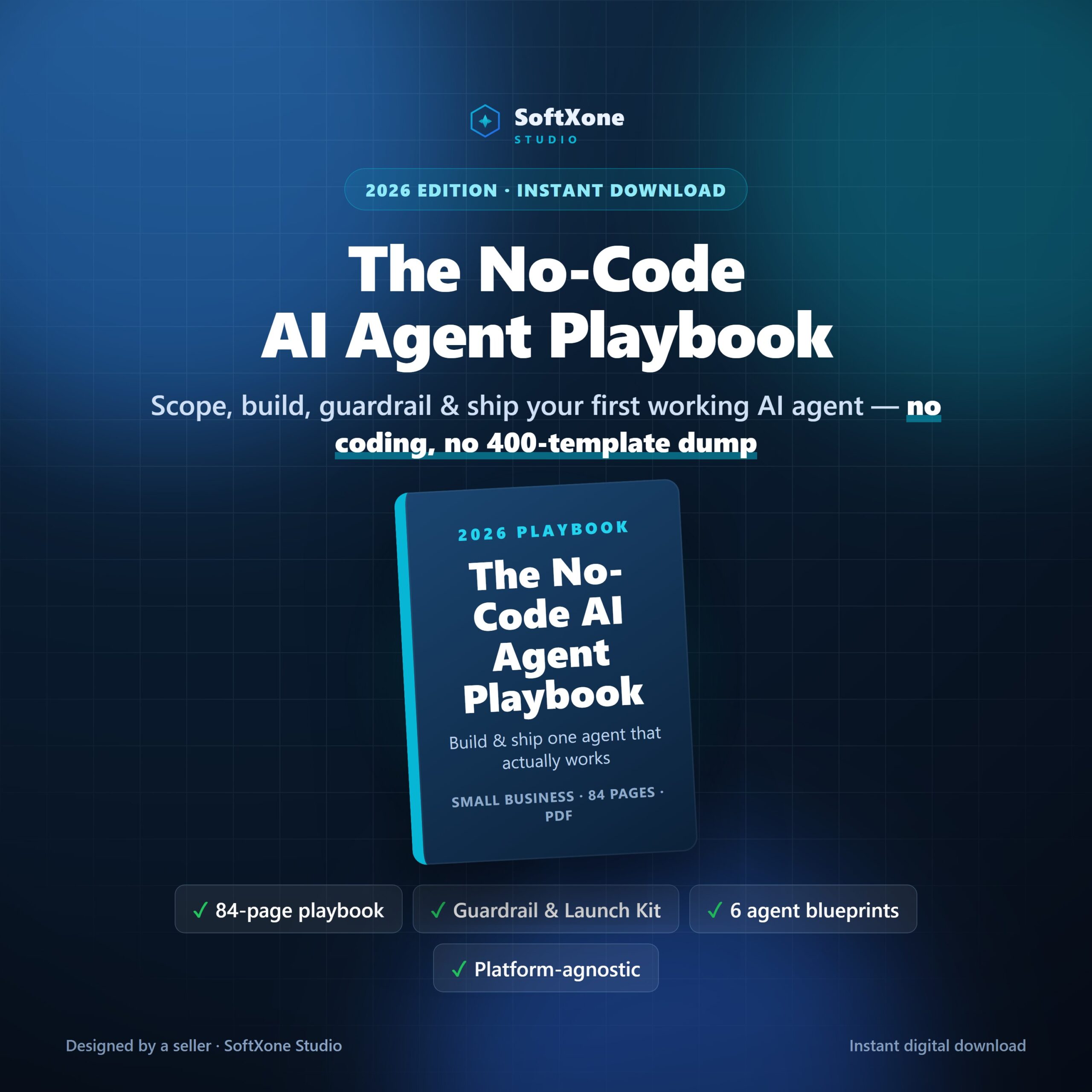
The No-Code AI Agent Playbook includes the full 84-page guide, the Guardrail & Launch Kit, 6 worked agent blueprints, a quick-start guide, and a platform decision sheet — all instant-download PDFs.
Get the AI Agent Playbook — $21 →Frequently asked questions
What is an AI agent, really?
A model given tools and a goal, able to take multiple steps. Not a chatbot with a longer prompt.
What kills most agent projects?
Scoping. Agents given vague, open-ended goals fail in ways that are hard to debug and impossible to guarantee.
Why does red-team testing matter?
Because the dangerous failures are silent. Deliberately trying to break the agent is how you find them before customers do.
Leave a Reply